You saw the recipe on Instagram. A week later you can't tell whether it was in your saved posts, in a message, or somewhere in the comments. This is how to get it to your side for good - and most of the time it takes three taps.
The one thing worth knowing
Thymelist reads text. And when there is no text, it listens to the video. Those two sentences explain everything below:
- The recipe is written in the post's caption - share the link.
- The recipe is only spoken out loud - share the same link. Thymelist handles the rest.
- The recipe only flashes on screen as text - pause the video and share a screenshot.
That's the whole thing. Everything else is a variation on those three cases.
Share from Instagram, TikTok, Facebook or YouTube
Most recipes live in the caption. Those take three taps:
- Open the recipe post in Instagram, TikTok, Facebook or YouTube.
- Tap Share and pick Thymelist from the list.
- Thymelist reads the recipe. Check it, adjust anything, and save.
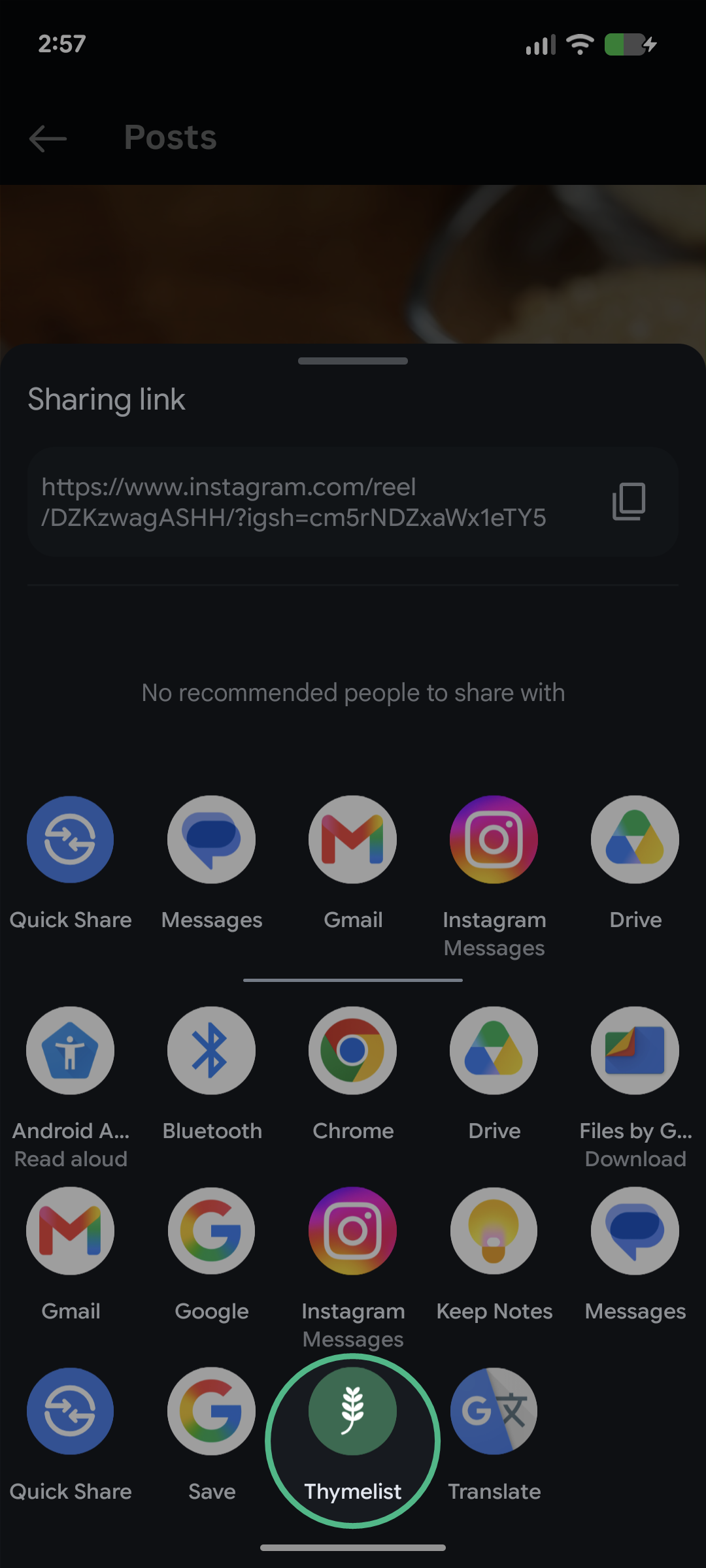
The first time, Thymelist may be hiding behind the "More" button. After a few uses your phone moves it up front on its own. On YouTube the recipe usually sits in the video description below the player, and the same Share button works.
When the recipe isn't written down
Plenty of creators never write it anywhere. They say it in the video and leave "recipe 👇" and three emoji in the caption. Share the same link anyway.
When the caption falls short, Thymelist listens to the video. You'll see "Listening to the video…" on screen, and a moment later the recipe is ready to check. Nothing to press, nothing to confirm, nowhere to switch - it is still one save, not two. It takes a little longer than a plain link, usually under half a minute.
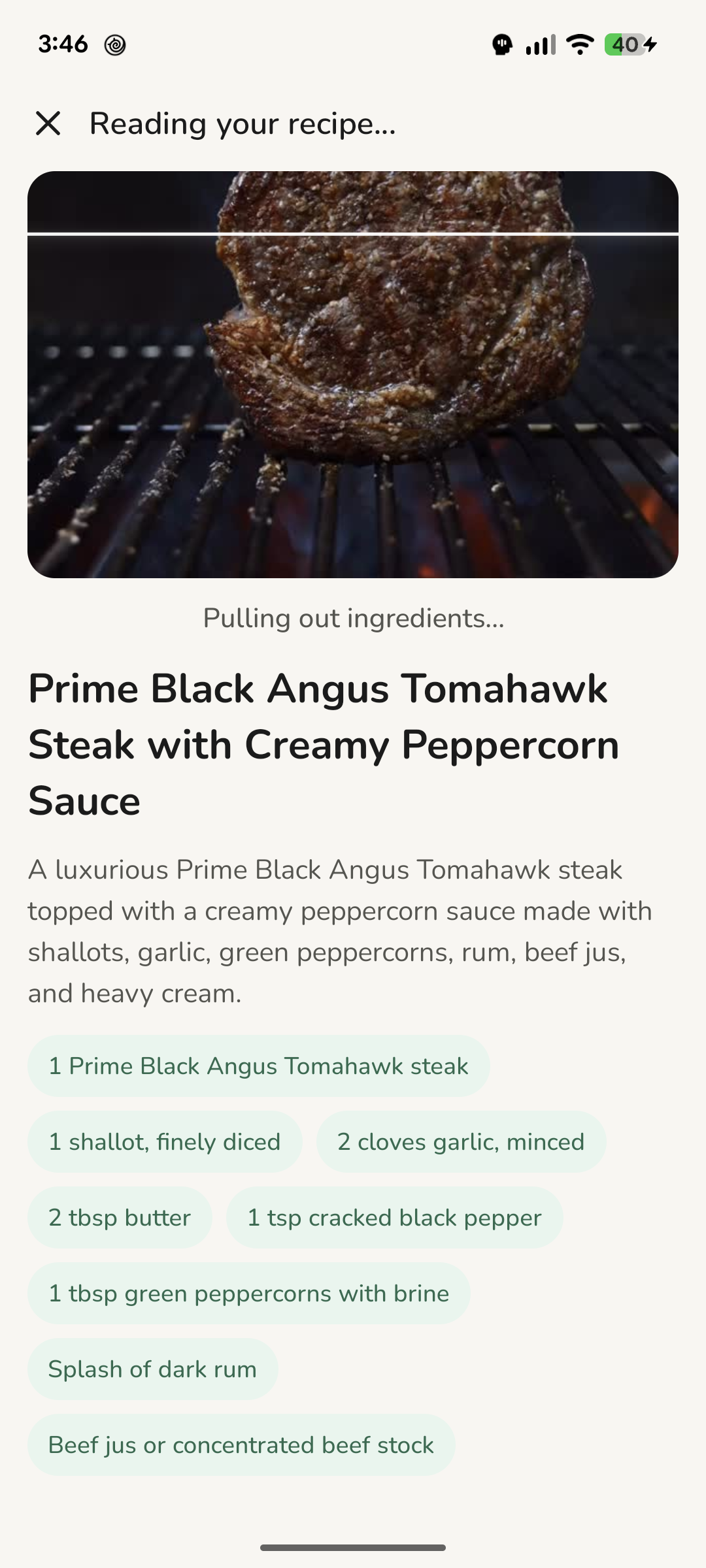
One limit stays, and we'll say it plainly: Thymelist listens to speech. If the video is music only and the quantities are written in on-screen captions, there is nothing to hear - and Thymelist says so rather than filling in the gaps. Pause the video on the right frame, take a screenshot and share it to Thymelist instead. That path always works.
Links and photos
Not everything can be shared, and not everything is online. So there are two more doors, both under the + button:
- Link - copy the page address and paste it. Good for food blogs and recipe sites. Sharing the page straight from your browser works just as well.
- Scan - point the camera at a cookbook page, a printout, or a handwritten card. Or pick a photo you already have on your phone.
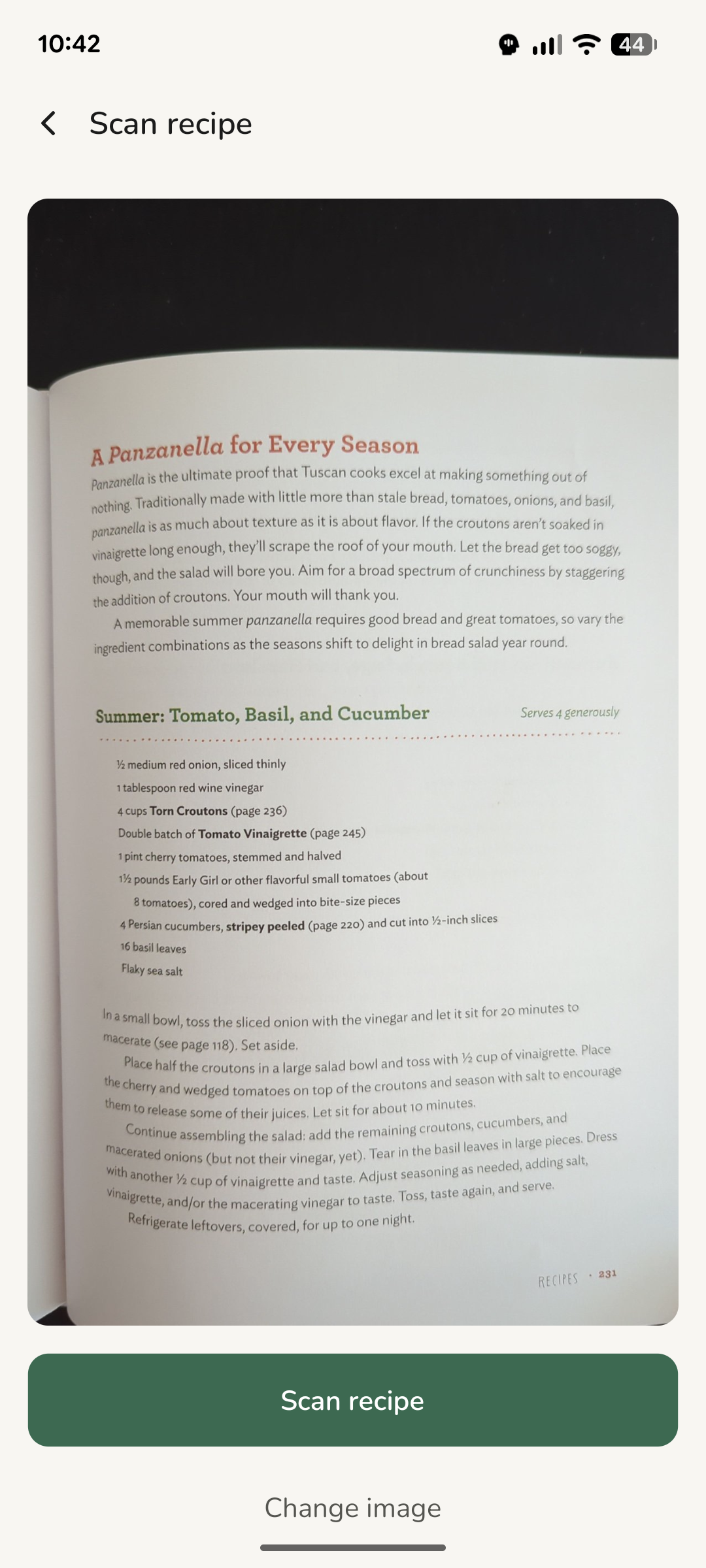
Your grandmother's handwritten cards are exactly the case scanning is worth having for.
Check it over and save
Whatever the path, it ends the same way: on a screen where the title, ingredients and method are laid out and editable before anything is saved.
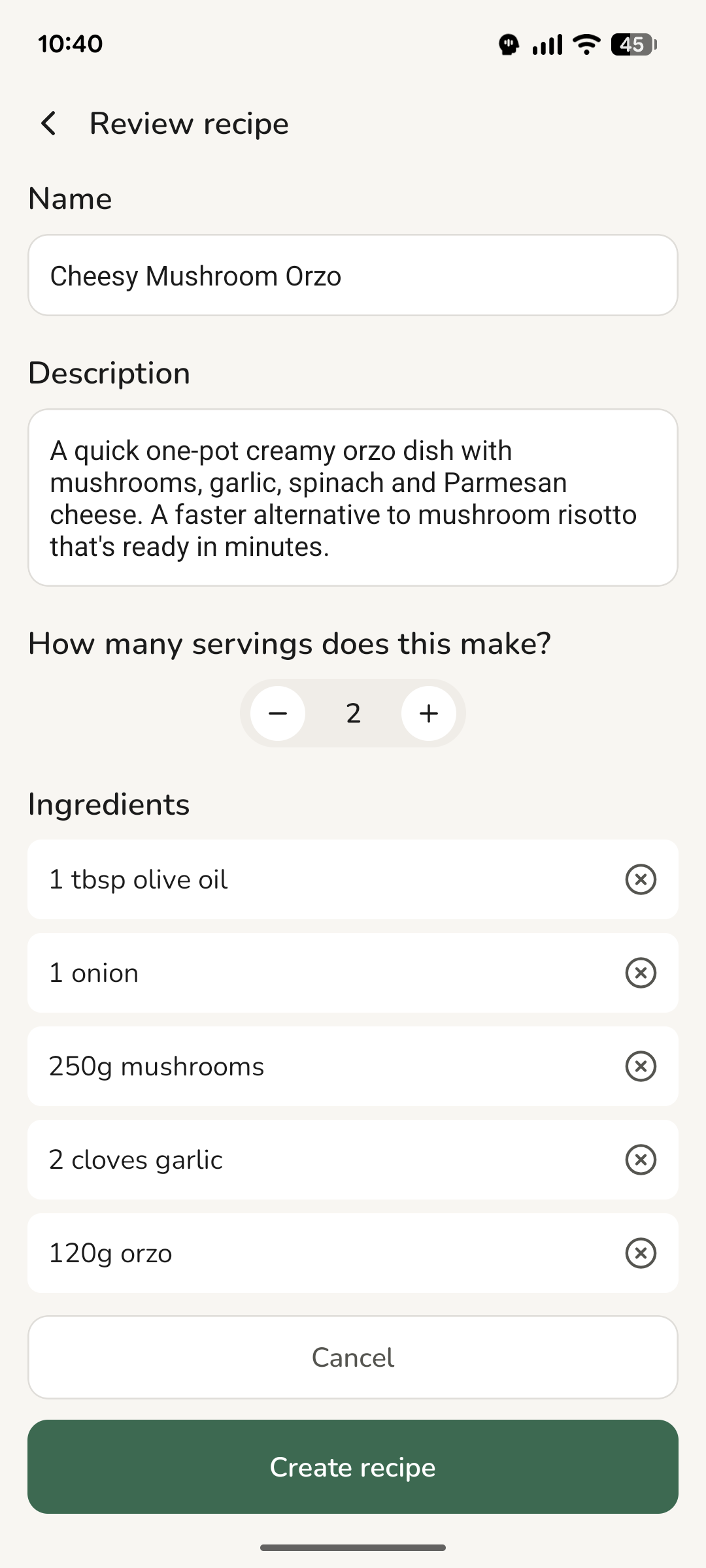
Nothing saves without you. Fix a typo, drop an ingredient you'll never buy, set the servings - then save. If the source had no method and Thymelist drafted one from the ingredients, it tells you so and leaves a note on it, so you know what to double-check as you cook.
When you don't have any recipes yet
An empty app is a dull place to start, so skip that part. Ready-made collections are waiting with whole packs of recipes - quick dinners, home classics, cuisines from around the world. Pick one, save it, and you have something to cook tonight. Saving a ready-made collection is free and doesn't count against your monthly limit.