All your recipes.
All in one place.
Save recipes from Instagram, TikTok, YouTube, websites, photos and even handwritten cards. Thymelist turns them into a plan for the week and one shopping list.



From a video to dinner on the table
- 1
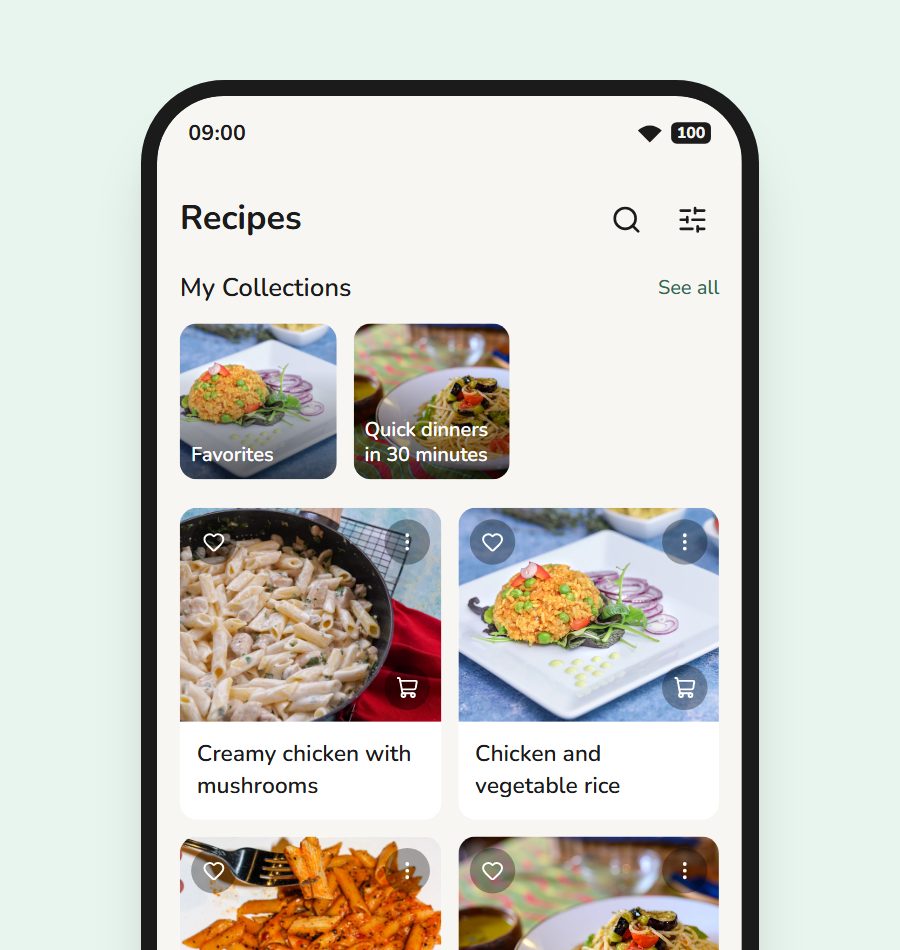
Save it
Tap Share in Instagram and it lands in Thymelist automatically: read, formatted and tagged.
- 2
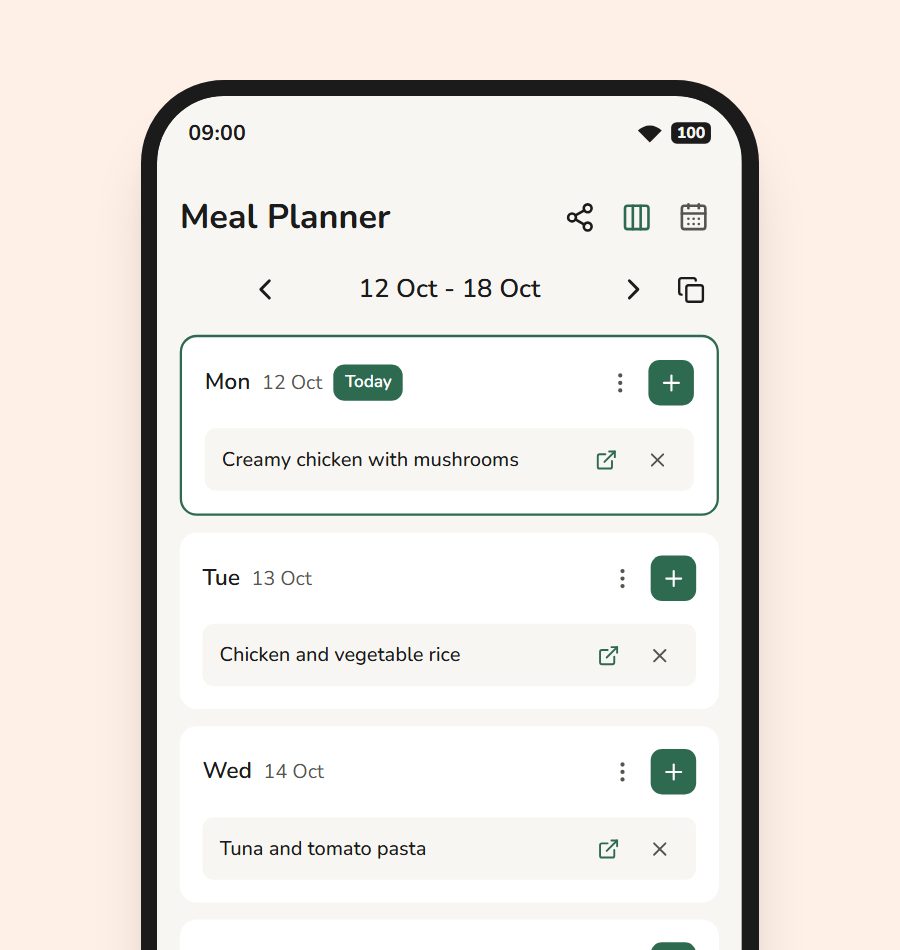
Pick what you’ll cook
Mark recipes for the next shop, or lay the week out on the calendar. Both end up in the same list.
- 3
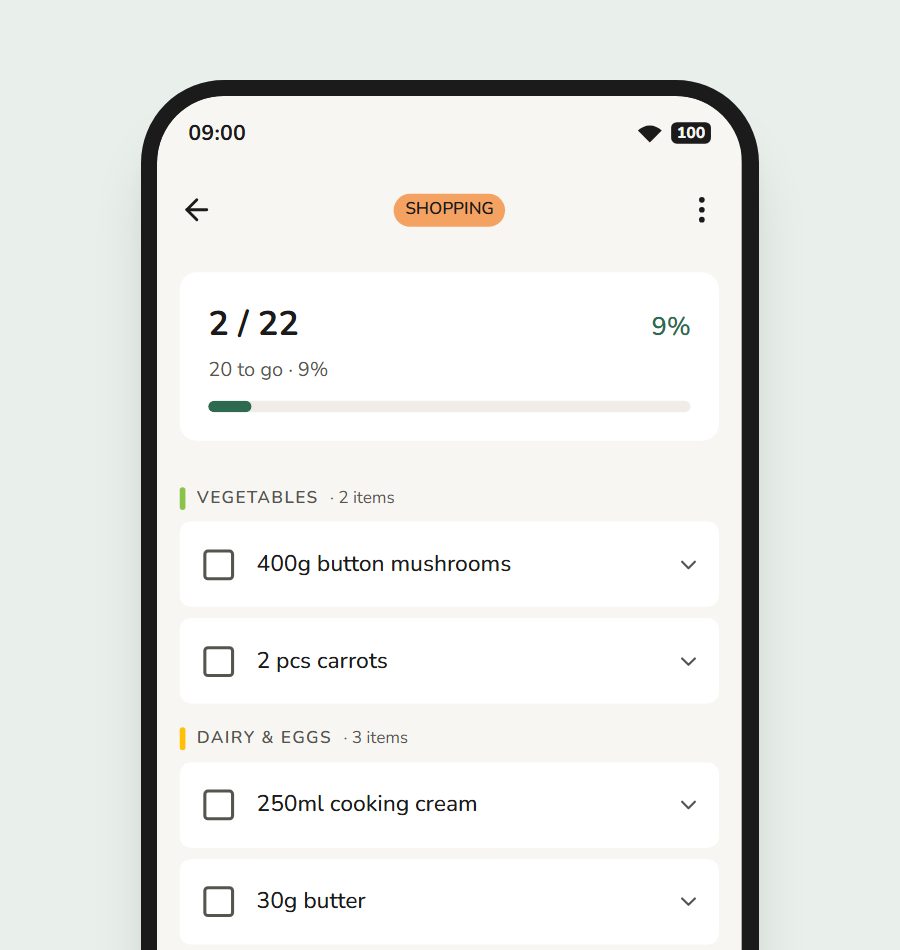
Shop
One tidy list from the recipes you picked, merged and sorted by aisle. Tick them off as you shop.
Save from all of these
- TikTok
- YouTube
- Websites
- Photos
- Text
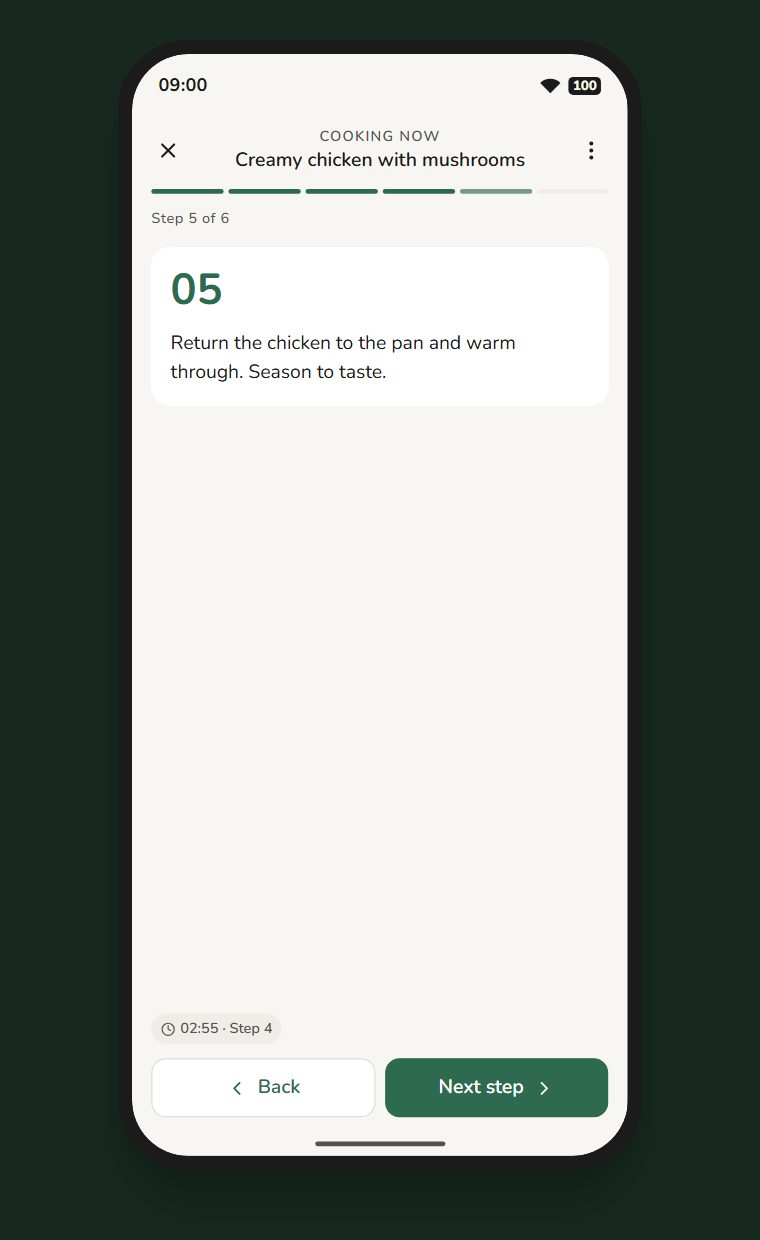
Cook calmly
One step at a time, with just the ingredients that step needs.
- Timers keep running when you leave the app
- Cooking for six? Set the servings and every quantity follows
- Ask what to swap or how to tell it’s done, right from the step
- Allergens flagged from the EU-14 list
Plan together.Shop together.
Invite someone you cook with. Together you'll have one recipe box, one plan and the same shopping lists.
- One inviteSend a link in a message. Whoever joins brings their recipes along.
- One recipe boxAnyone saves a recipe and everyone sees it right away. Each recipe shows the initial of whoever added it.
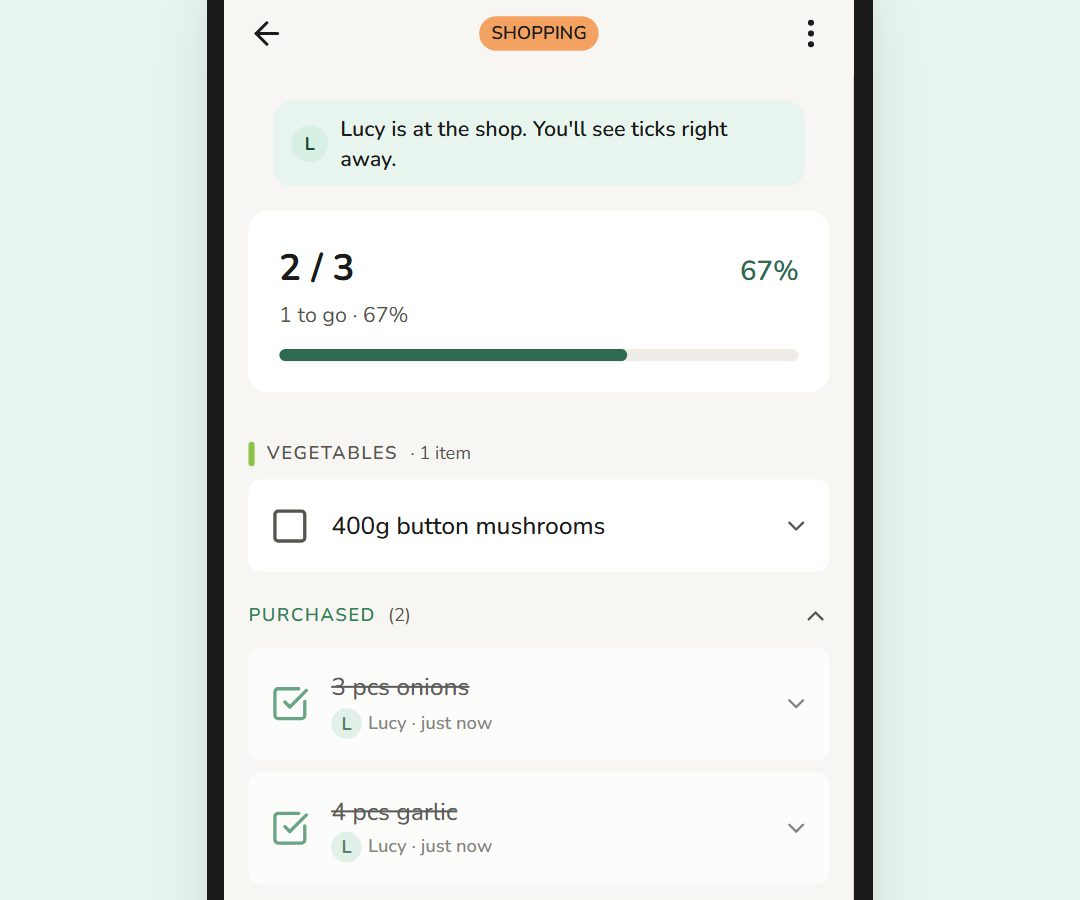
- The same listWhoever is at the shop ticks off the same list. You'll see the ticks right away.
- Everyone keeps their own sign-in, language and look.
- You can leave any time. You'll take a copy of the recipes and collections.
- You can also send a list as a link to anyone else. They tick it off in a browser, no app needed.
From the fridge to the checkout
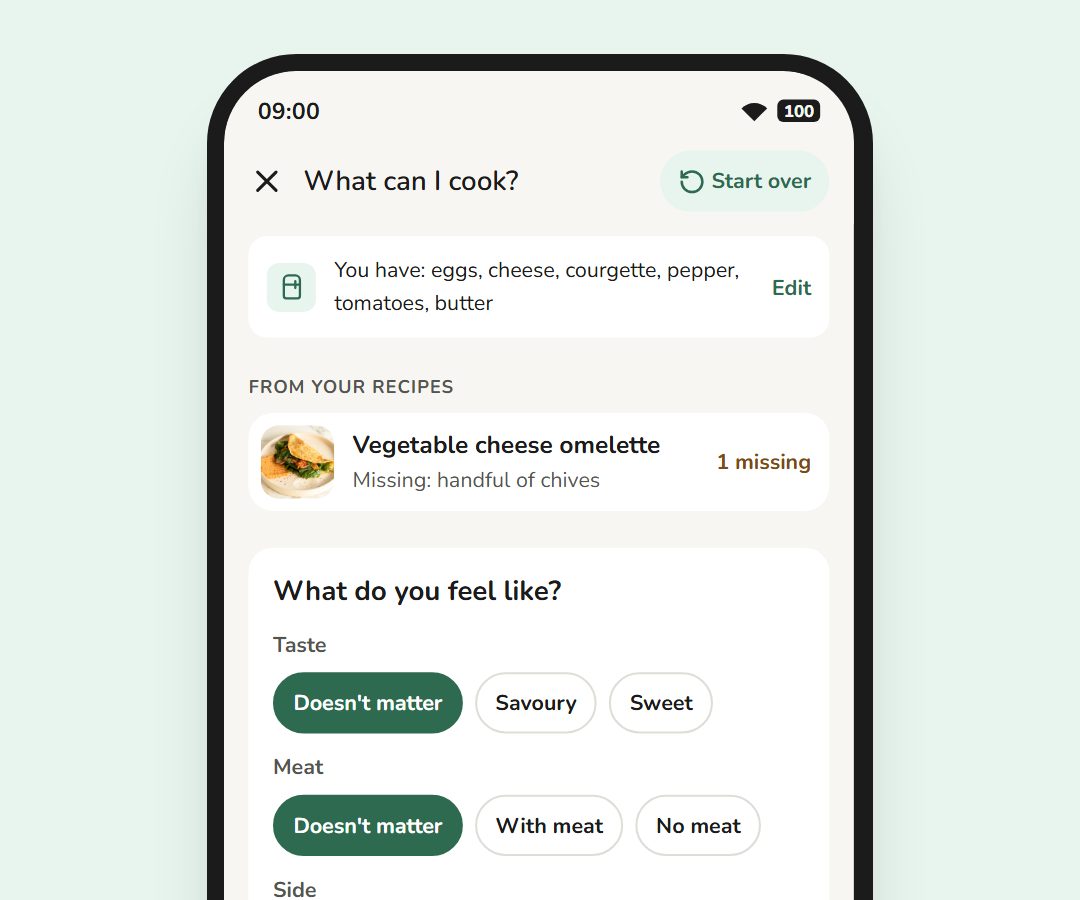
What can I cook?
Snap or type what you have at home. We'll show your recipes and suggest new ones.
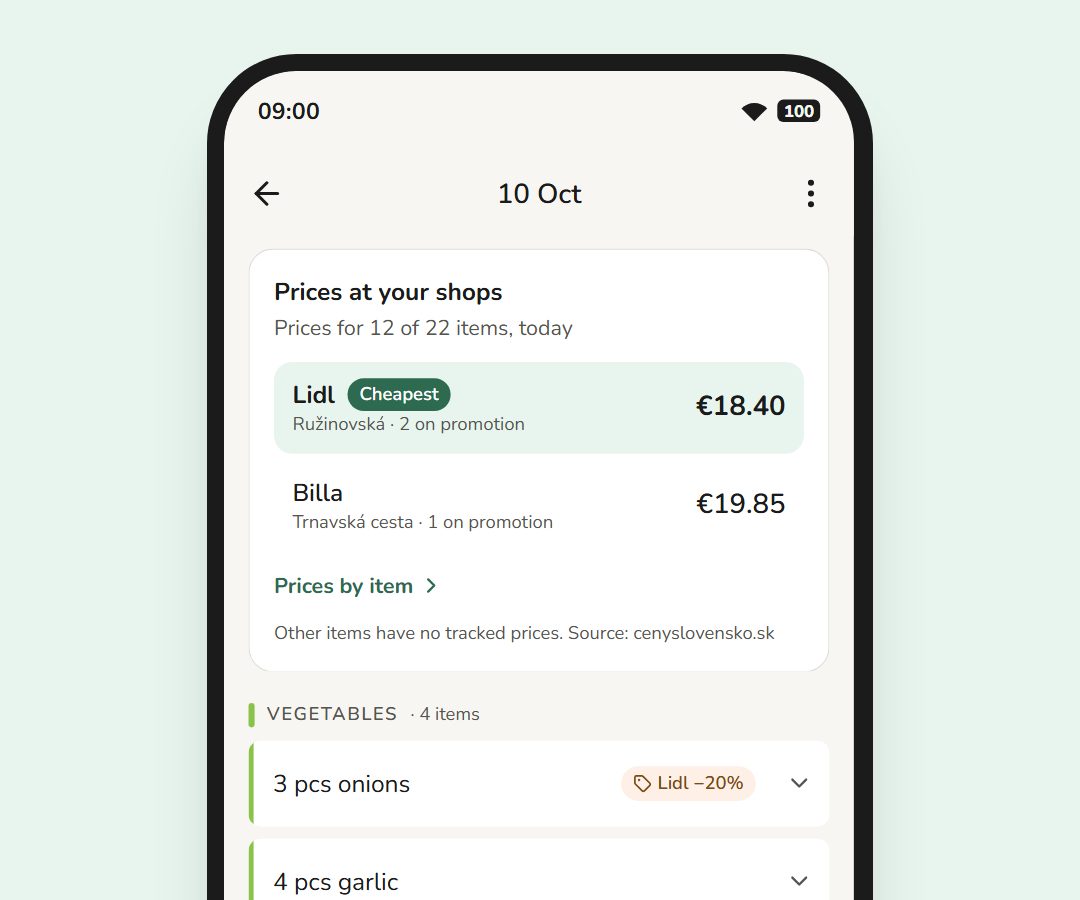
Prices and promotions
In SlovakiaPick your shops in Slovakia and your shopping list shows their prices and promotions for today.
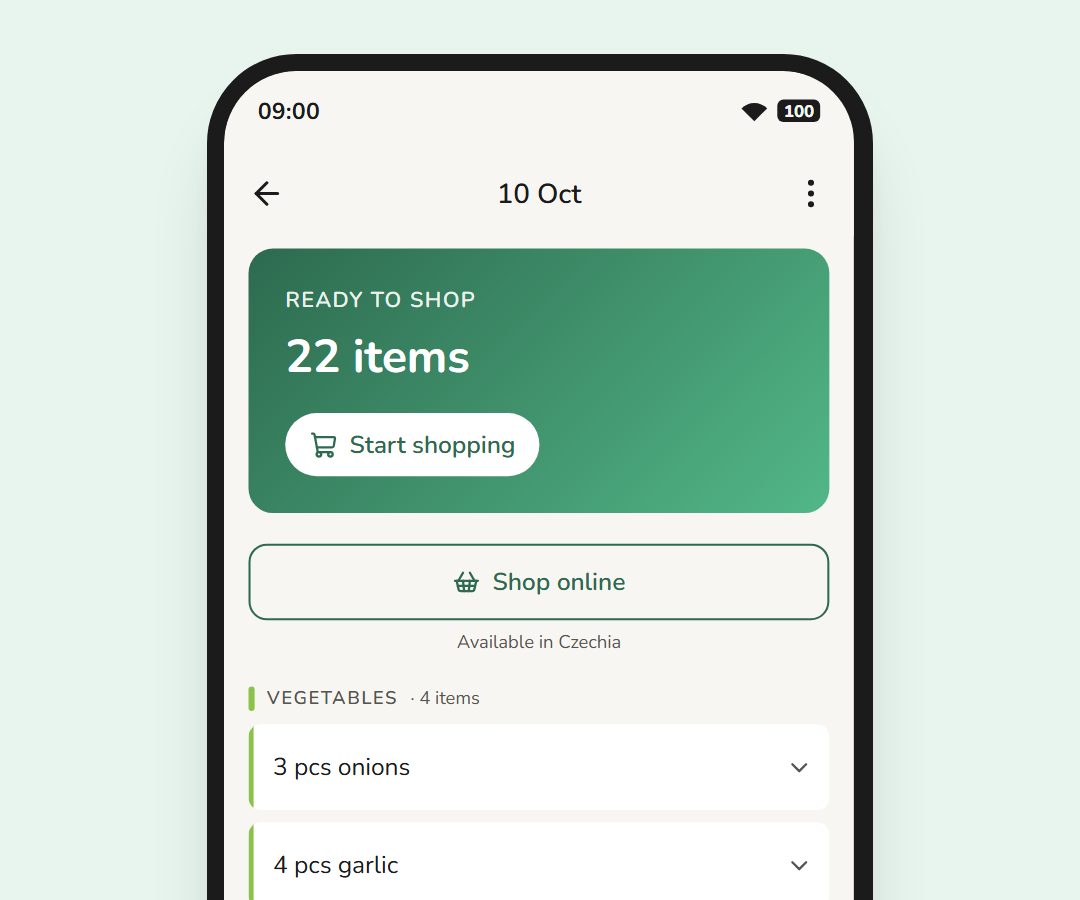
Online shopping
In CzechiaShop at Košík.cz or Rohlík.cz in Czechia? Connect your account and we'll get your list ready right in your cart. You check every item first.
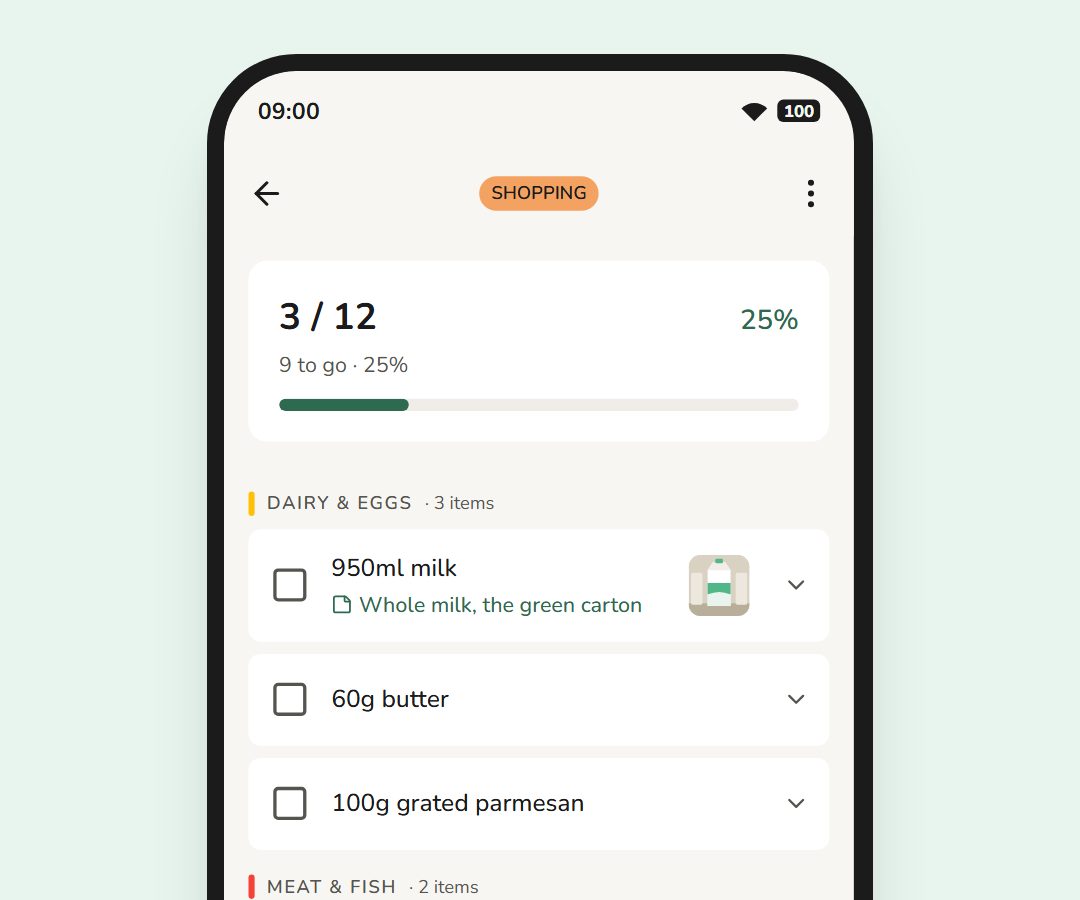
Notes when shopping
Snap the milk you buy while you're in the shop. Next time the photo shows right beside it on your list.
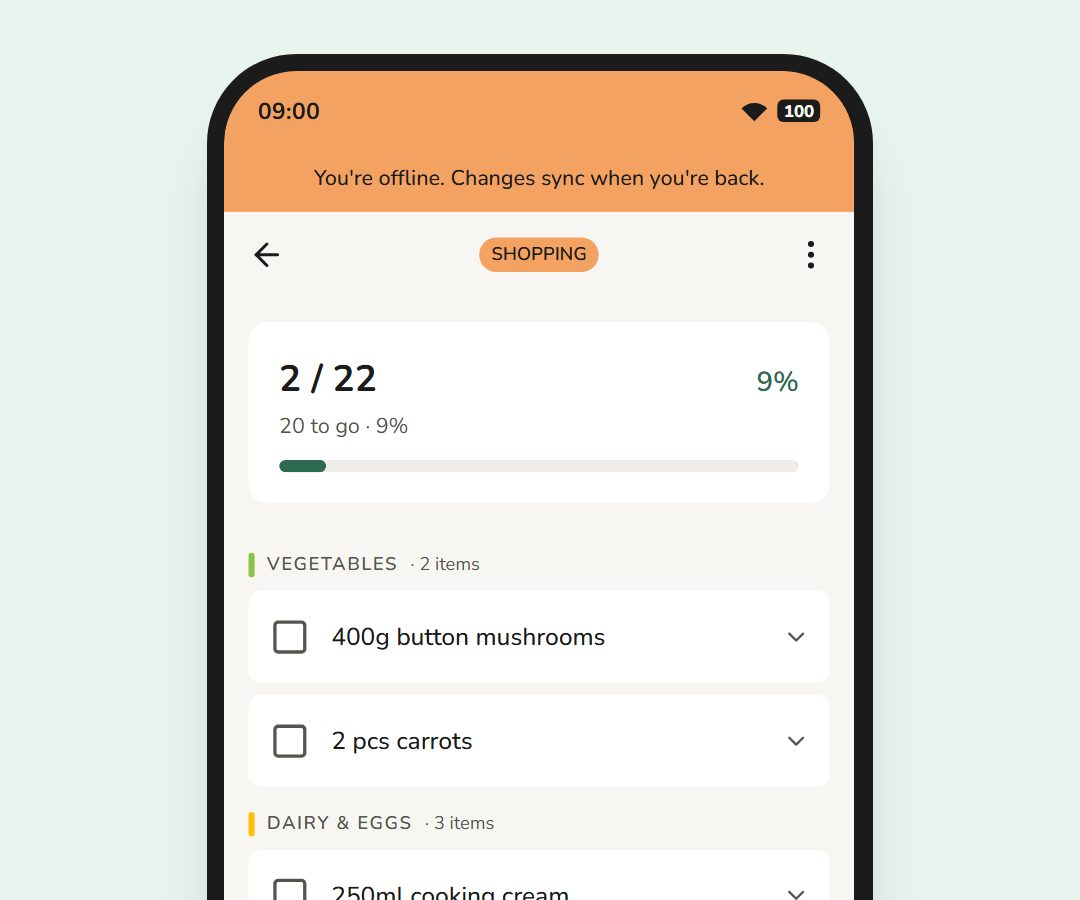
Shop with no signal
Your shopping list opens even without internet, and you tick things off in the shop as usual.
From the kitchen table
All articles →
How to save a recipe from Instagram, TikTok, Facebook or YouTube
Sharing, links, photos and spoken video - every way a recipe finds its way to you.

How to turn your recipes into one shopping list
Pick the recipes and Thymelist builds one list from them - merged and sorted by aisle.

How to cook from a recipe, step by step
One step on screen, timers that keep running, and quantities sized for however many of you there are tonight.
Start free. Stay free if you like.
Free
€0 / month
- Unlimited recipes, collections and tags
- Unlimited meal plans and shopping-list edits
- Household: recipes, plan and shopping lists together
- 10 AI recipe imports a month - from a link, a video or a photo
- 10 shopping lists from recipes a month
- What can I cook? twice a month - recipes from what you have at home
- Ask about a recipe twice a month - what to swap, how to tell it’s done
- Today’s prices and promotions at shops in Slovakia
- Online shopping twice a month - straight into your cart at an online grocer in Czechia
- Send recipes and lists as a web link
Not a trial.
Thymelist Pro
€4.99 / month
or €39.99 / year
Pro for the whole household
One of you pays for Pro and everyone has it, up to 6 people.
- Everything in Free
- Unlimited AI recipe imports
- Unlimited shopping lists from recipes
- What can I cook? without limits
- Ask about recipes without limits
- Online shopping without limits
- Nutrition estimates on your recipes
Cancel anytime.
Prices in euro. Google Play and the App Store show your local price.
Questions, answered
How do I get a recipe in?
Tap Share in Instagram, TikTok, YouTube or Facebook and pick Thymelist. Or tap the green + button in the app to paste a link, photograph a cookbook page or a handwritten card, paste text, or simply type the recipe in.
What if the recipe is only spoken in the video?
Thymelist listens to the video and writes the recipe down. If it had to fill in the method itself, it labels it clearly so you know what to double-check. If nobody speaks in the video, it says so rather than guess - a screenshot works then.
What’s free, exactly?
Everything you do by hand is unlimited: recipes, plans, lists, collections. On the Free plan the AI is capped: 10 recipe imports, 10 shopping lists from recipes, and two tries each of What can I cook?, Ask and online shopping a month. In a household, everyone has their own limits. It’s not a trial.
Do I need to add a card?
No. You use Free without a card and without a trial, so nothing is charged automatically. You only pay if you choose to buy Pro, through Google Play or the App Store.
Can I send recipes and lists to someone?
Yes. Send a recipe, collection or shopping list as a web link. The other person doesn’t need the app, just a browser. They can tick items off right on the page, and you see it in your app straight away. With the people you cook with every day, you can also set up a household.
Can we use Thymelist together?
Yes, as a household. Every account can have one. Invite someone you cook with and you'll have one recipe box, one plan and the same shopping lists. Anyone can edit, and everyone keeps their own sign-in. Whoever leaves takes a copy of the recipes and collections. Start in Settings.
Does everyone in the household need to buy Pro?
No. One Pro covers the whole household: when one of you pays, everyone has it, up to 6 people. Pro belongs to whoever pays for it. If they leave the household, everyone else is back on their own monthly Free limits. If the subscription ends, nothing gets locked.
Can I order my shopping online?
Yes, if you buy groceries online with delivery in Czechia, at Košík.cz or Rohlík.cz. In Settings you connect your account, and we get the items from your shopping list ready right in your cart. You check every item first and finish the order with the shop. Anything that isn't in the cart stays on your list.
Which languages does it speak?
Slovak, Czech and English. Your shopping list can translate ingredients between them and convert them to grams and millilitres.
Is my data private?
Analytics are EU-hosted and consent-gated, and deleting your account removes everything - recipes, images, lists, the lot.